
Node For Front-End Developers By Garann Means
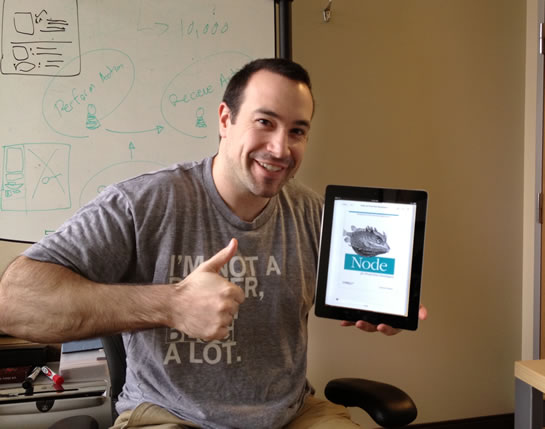
Over the weekend, I read Node For Front-End Developers - Writing Server-Side JavaScript Applications - by Garann Means. At 85 pages, the book is a fairly quick read and offers a really nice introduction to building Node.js applications. Since the Node.js technology is much closer to the "metal", it mandates much less structure than your typical application server. This offers you a great amount of control over how your server-side application operates; but, at the same time, it can leave you frustrated, never sure of how to best get things done. Node For Front-End Developers fills in some of those high-level information gaps, painting the ins-and-outs of Node.js application development with broad strokes.
| |
|
|
||
| |
 |
|
||
| |
|
|
I really enjoyed the iterative workflow of this book; it starts out simple and slowly builds each demonstration on the shoulders of the demonstration before it. The book opens with instructions for installing Node.js and NPM (Node Package Manager) as well as using the command-line REPL (Read-Eval-Print-Loop); but, it quickly moves into writing code for your first Node.js application.
Garann Means starts the exploration with a discussion of how to organize your directories. Since Node.js handles every incoming request explicitly, there's no automatic file-serving like you'd have in an Apache or an IIS based application. Again, this gives you complete control, but can leave you wondering if you're doing things in the correct way. Means explains what role directories such as node_modules, lib, and public play in a "best practices" Node.js application. She also talks about the application manifest - package.json - and how to create one.
Then, Means goes on to iteratively explain the request-response lifecycle; how to create dynamic responses; how to server static files; and, how to parse incoming URL and FORM data. Some of these task are then iteratively abstracted away with the introduction of middleware layers like Connect and Express.
Means then goes on to talk about advanced concepts including WebSockets, JSONP (JSON with Padding), server-side templating, connecting to a Redis NoSQL database, the awesomeness of Event Emitters, and Model-View-Controller architectures.
Since the book is only 85 pages long, none of these concepts are explored in overwhelming depth; but the book provides a wonderfully broad look at server-side JavaScript application development with Node.js. At the end, I definitely felt like I had a better understanding of what Node.js applications are, how they are put together, how the core features are executed, and where I could go from here (as far as independent learning is concerned). If you're new to Node.js, this is definitely a recommended read.

Reader Comments
Hi Ben,
After seeing your post I was excited about the book but when I went to Amazon it had some bad reviews. One review said it was more like a cookbook - is that right?
Thanks
Dan
Oh bollocks I might as well just buy it.
@Danyal,
I didn't feel it was a Cookbook-style approach. I thought it just covered the foundations of Node.js app development. Frankly, I don't think it's long enough to be Cookbook :)
If you create an account on the O'Reilly media website, I think you can probably get this book for like $4 :)
@Ben,
It's ok, got it from Amazon :) Thanks